
Google has always been known for launching multiple products that serve similar purposes, often leading to confusion among users. Remember Google Chat vs. Hangouts vs. Allo vs. Duo? I’m sure I’m missing a few more. Well, it seems like Google is applying the same strategy to AI-powered coding tools, and as a developer, I’m finding it increasingly difficult to understand their vision.
In the past year alone, Google has introduced or significantly updated three distinct AI coding solutions: Gemini CLI, Jules, and Firebase Studio (formerly Project IDX). Each tool promises to revolutionize how we code, but their overlapping capabilities and unclear positioning leave developers scratching their heads.
The Three Options
Gemini CLI: The Terminal Assistant
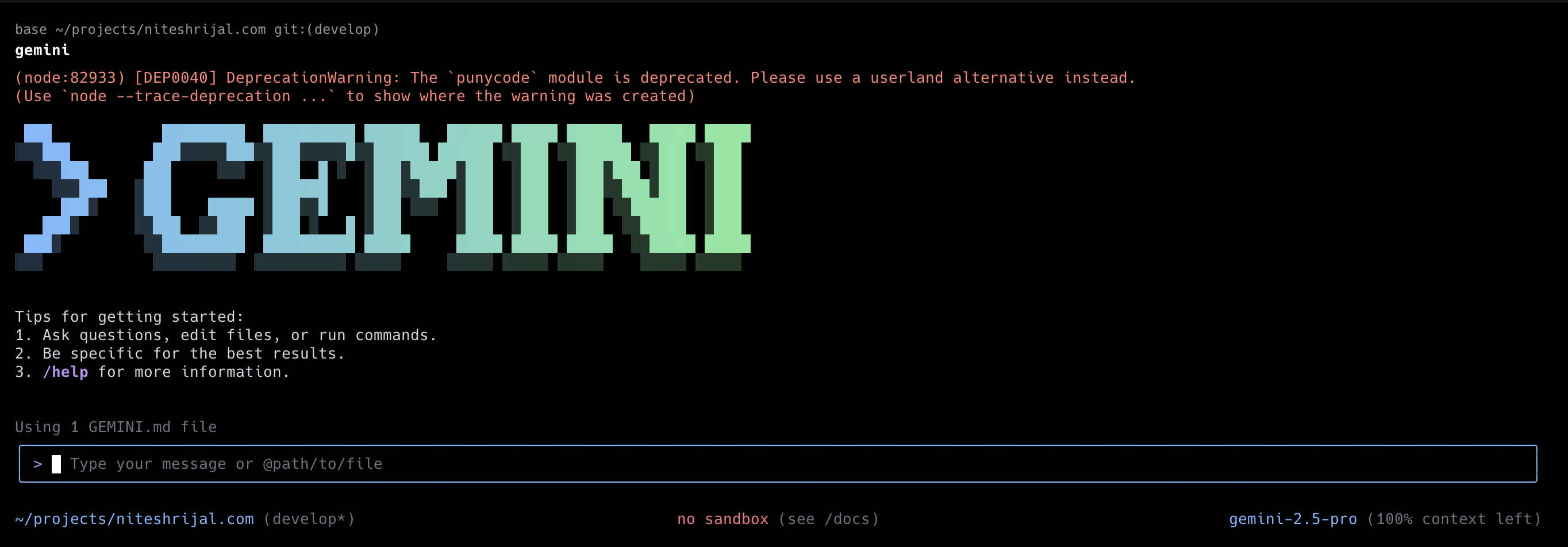
The Gemini CLI positions itself as a command-line interface for interacting with Gemini models directly from your terminal. This is Google’s attempt to compete with a flurry of terminal based coding tools after Claude Code came to the market. I’ll probably write about Claude Code next.
It’s designed to help with:
- Code generation and explanation
- File analysis and modification
- Terminal command assistance
- Quick AI-powered tasks without leaving your workflow
The CLI approach makes sense for developers who live in the terminal, offering a lightweight way to access Gemini’s capabilities without switching contexts. It’s particularly useful for quick one-off tasks or integrating AI assistance into existing shell workflows.
Jules: The Coding Agent
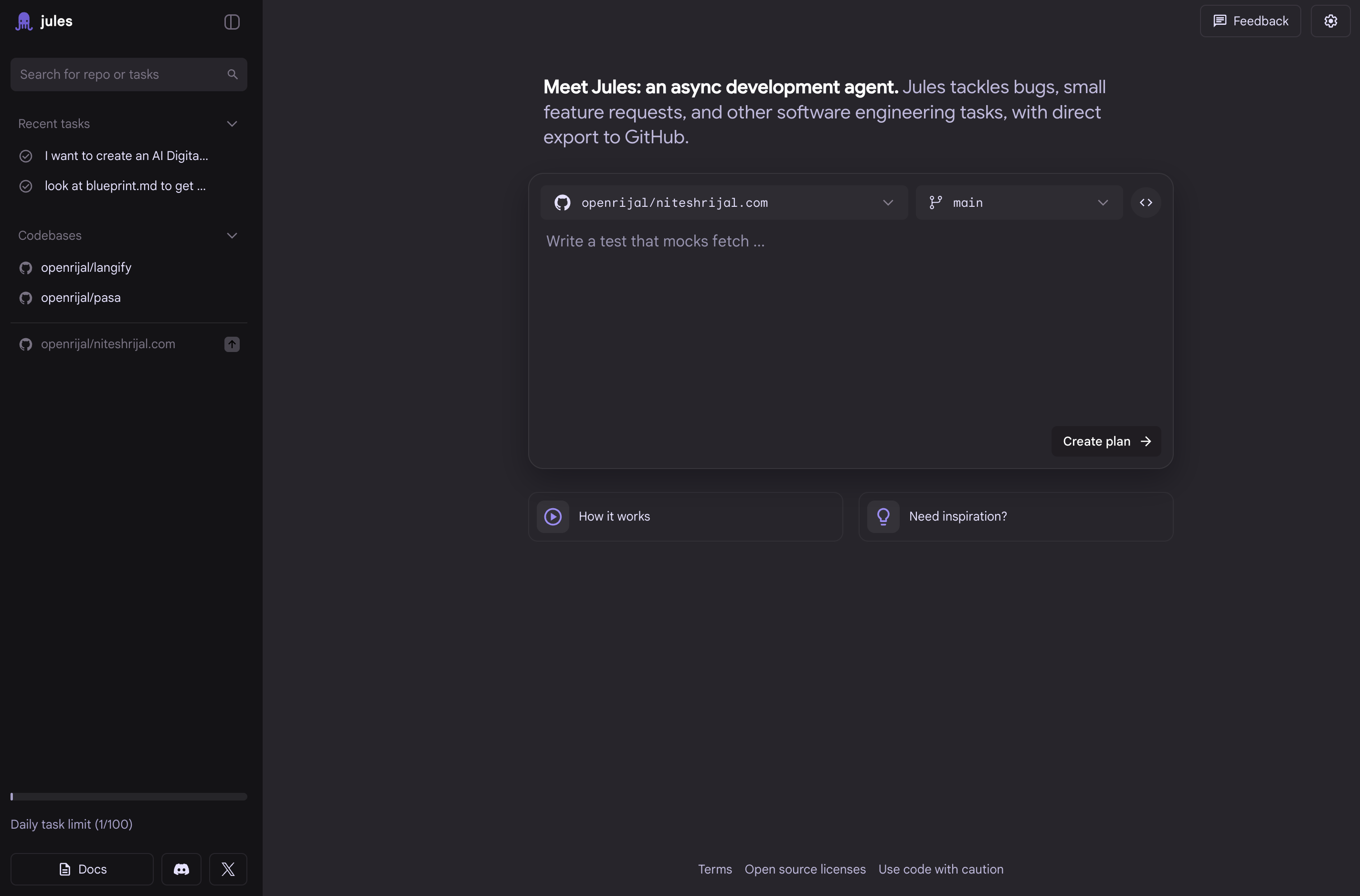
Jules represents Google’s entry into the AI coding agent space, calling itself an experimental coding agent. Initially announced as part of Gemini 2.0, Jules promises:
- Multi-file code understanding and generation
- Autonomous coding tasks
- Advanced reasoning about complex codebases
Jules seems positioned as the “smart coding companion” that can handle more complex, multi-step coding tasks that require understanding context across multiple files and systems.
Firebase Studio: The Cloud IDE
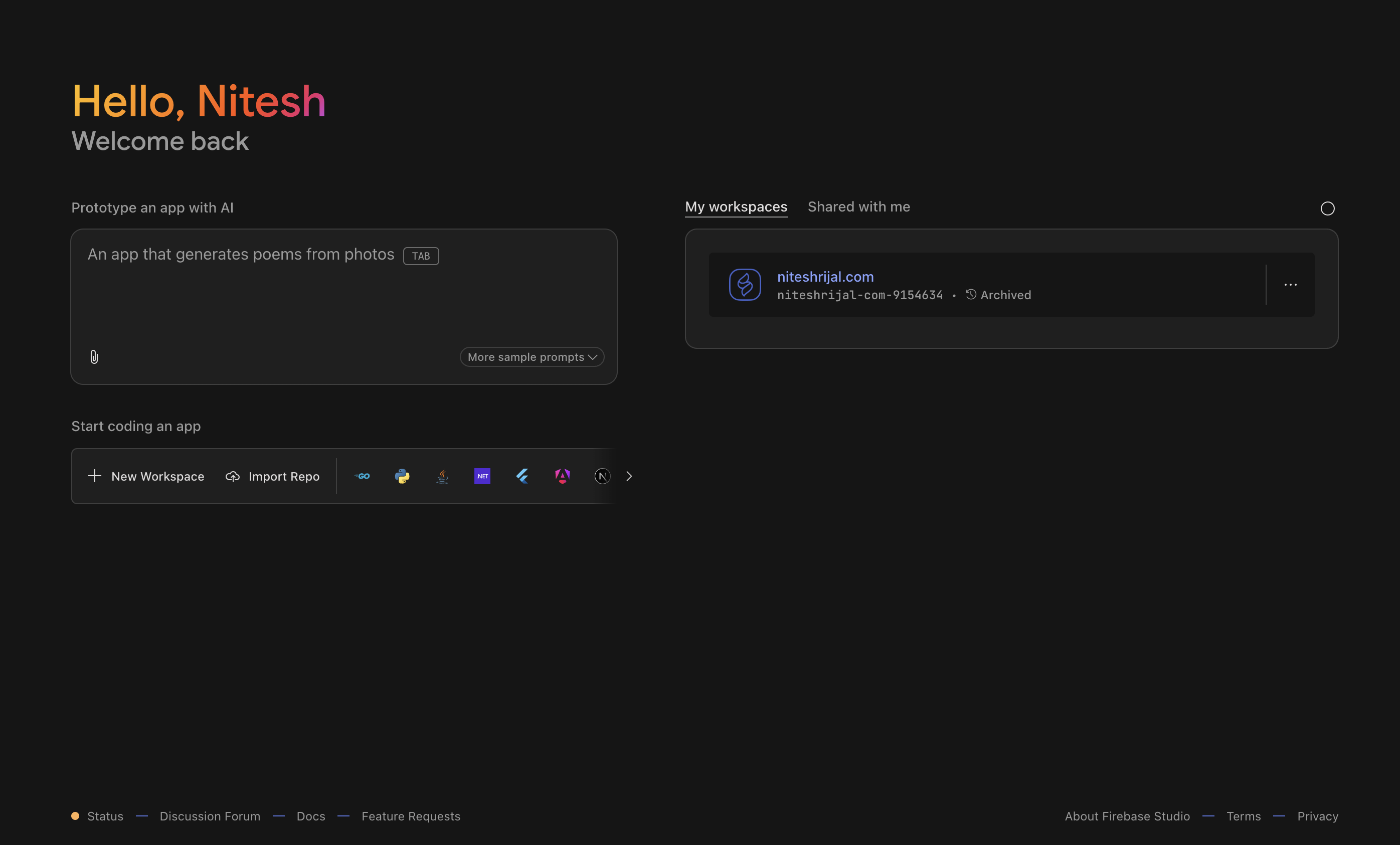
Firebase Studio (formerly Project IDX) takes a completely different approach by providing a full cloud-based IDE experience with AI built-in. As I’ve written about before, it offers:
- Browser-based development environment
- Deep Firebase integration
- Collaborative coding features
- AI-powered code completion and assistance
- Templates for various frameworks and languages
The Confusion Matrix
Here’s where things get confusing. Let’s compare what each tool offers:
| Feature | Gemini CLI | Jules | Firebase Studio |
|---|---|---|---|
| Code Generation (Vibe Coding) | ✅ | ✅ | ✅ |
| Multi-file Understanding | ✅ | ✅ | ✅ |
| IDE Functionality | ❌ | ❌ | ✅ |
| Cloud-based | ❌ | ✅ | ✅ |
| Collaborative Features | ❌ | ❌ | ✅ |
| Framework Templates | ❌ | ❌ | ✅ |
| Local Development | ✅ | ❌ | ❌ |
| Firebase Integration | ❌ | ❌ | ✅ |
| Github Import | ❌ | ✅ | ✅ |
The overlap is significant, and the boundaries between these tools are blurry. If I want to generate code with AI assistance, which tool should I choose? The answer isn’t clear, and that’s a problem.
The Developer Experience Dilemma
From a developer’s perspective, this fragmentation creates several issues:
1. Choice Confusion
With three different tools offering similar core functionality, I have a lot of confusion.
2. Inconsistent AI Capabilities
While all three tools are powered by Gemini models, the user experience and capabilities vary significantly. Code generated by Gemini CLI might differ in style and approach from what Jules produces, even when given similar prompts.
3. Fragmented Learning Investment
Each tool requires learning different interfaces, commands, and workflows. The knowledge gained from mastering one doesn’t necessarily transfer to the others, making it difficult to justify the time investment.
4. Integration Headaches
If you want to use multiple Google AI coding tools together (which might make sense given their different strengths), you’ll need to manage multiple authentication methods, configurations, and potential conflicts.
What Google Should Have Done
Looking at successful AI coding tool strategies from other companies, here’s what Google could have done better:
1. Unified Platform Approach
Microsoft’s strategy with GitHub Copilot is instructive. They built one core AI assistant that works across multiple interfaces (VS Code, GitHub.com, CLI via GitHub CLI). Google could have built Gemini Code as a unified service with multiple access points:
- Gemini Code CLI for terminal users
- Gemini Code Extension for popular IDEs
- Gemini Code Studio as the cloud IDE option
2. Clear Differentiation
Instead of overlapping features, each tool could have served distinct use cases:
- CLI: Quick terminal tasks and shell automation
- IDE Agent: Deep code understanding and generation within existing workflows
- Cloud Studio: Full development environment for Firebase/Google Cloud projects
3. Progressive Enhancement
A single account could unlock features across all tools, with capabilities that complement rather than compete with each other. Also, it would be really good if these tools remembered the context all tied to Google account.
The Real-World Impact
This confusion has real consequences for adoption and developer satisfaction:
For Individual Developers: The fragmentation makes it harder to commit to Google’s AI coding ecosystem. Why invest time learning multiple Google tools when competitors offer more cohesive experiences? I also feel that if the efforts were consolidated, Google could move faster and add new features to the existing ecosystem.
For Teams: Standardizing on Google’s AI coding tools becomes challenging when there’s no clear “right” choice for different team members’ preferred workflows. There is always the fear of rug being pulled under the feet.
For Google: Developer mindshare gets split across three products instead of building momentum behind one strong offering.
Current State and Recommendations
As of now, here’s my practical advice for developers navigating Google’s AI coding tool landscape:
If you’re a Firebase/Google Cloud developer:
Start with Firebase Studio. It offers the most integrated experience for Google’s ecosystem and includes AI features out of the box.
If you prefer your current IDE setup:
You may use the Gemini extension in various IDEs. Jules may actually become its replacement, if it evolves further.
If you live in the terminal:
Gemini CLI can be useful for quick tasks, but don’t expect it to replace more comprehensive coding assistants.
If you want the best AI coding experience:
Honestly, consider looking at competitors like Claude Code (CLI) or even Cursor (IDE), which offer more cohesive and mature AI coding experience.
Looking Forward: What Google Needs to Do
Google needs to make some tough decisions about their AI coding tool strategy:
- Consolidate or clearly differentiate the three tools
- Improve integration between the tools if they plan to keep all three
- Focus on one flagship experience while supporting the others as complementary tools
- Listen to developer feedback and iterate based on real-world usage patterns
The AI coding space is moving fast, and Google’s fragmented approach risks losing developer mindshare to more focused competitors.
Conclusion
Google’s approach to AI coding tools reflects a broader pattern in their product strategy: launching multiple solutions for similar problems without a clear vision for how they fit together. While each tool—Gemini CLI, Jules, and Firebase Studio—has merit on its own, their overlapping capabilities and unclear positioning create unnecessary confusion for developers.
The AI coding assistant market is becoming increasingly competitive, with tools like Claude Code, Cursor, GitHub Copilot, and others gaining significant traction. Google has the technical capabilities to build world-class AI coding tools, but they need to provide developers with a clearer path forward.